 LATITUDE
Grade like a colorist.
Inside Premiere Pro.
AUTO reads your shot and sets real controls. Then curves, wheels, mixers and scopes take it the rest of the way.

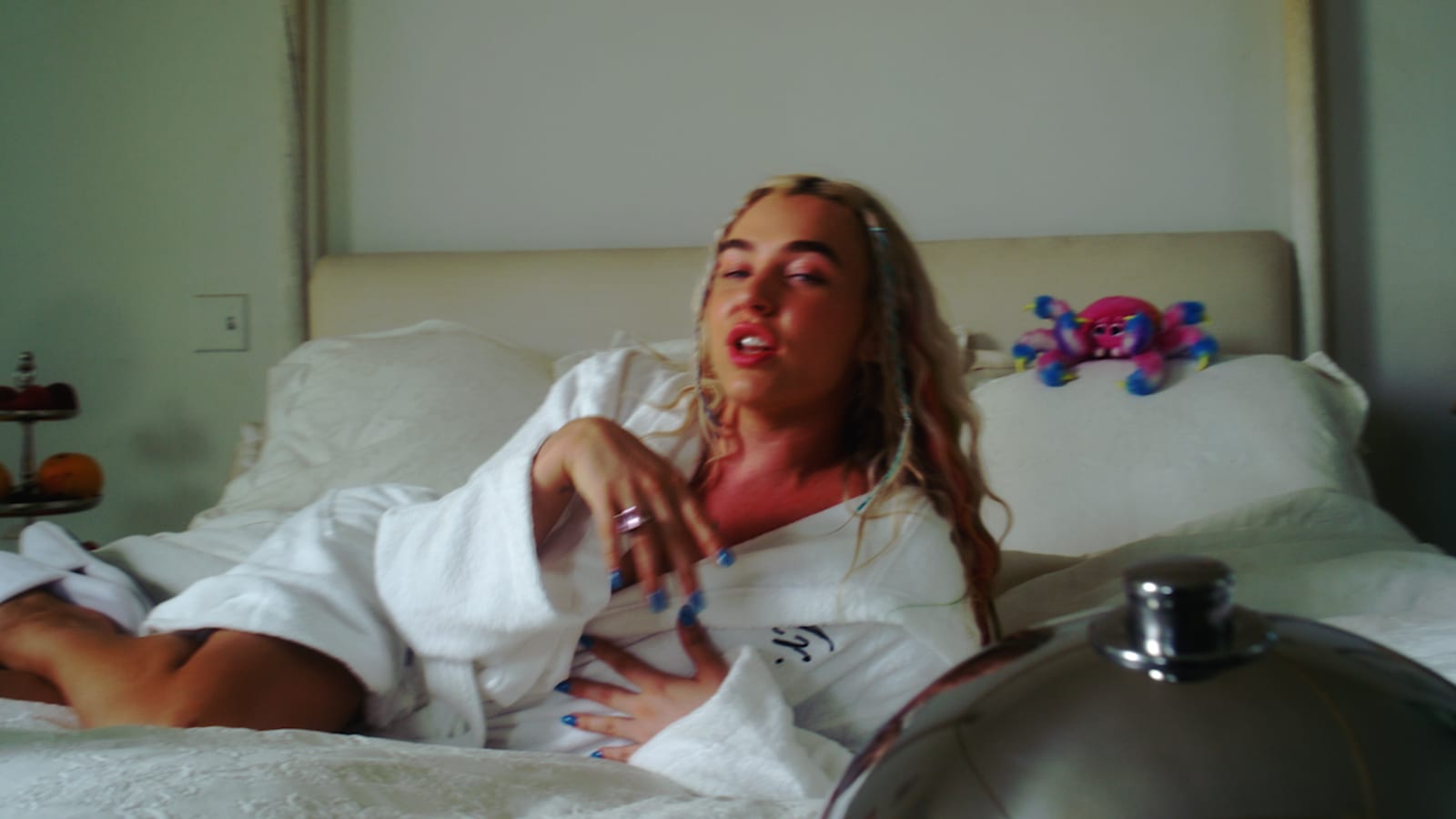
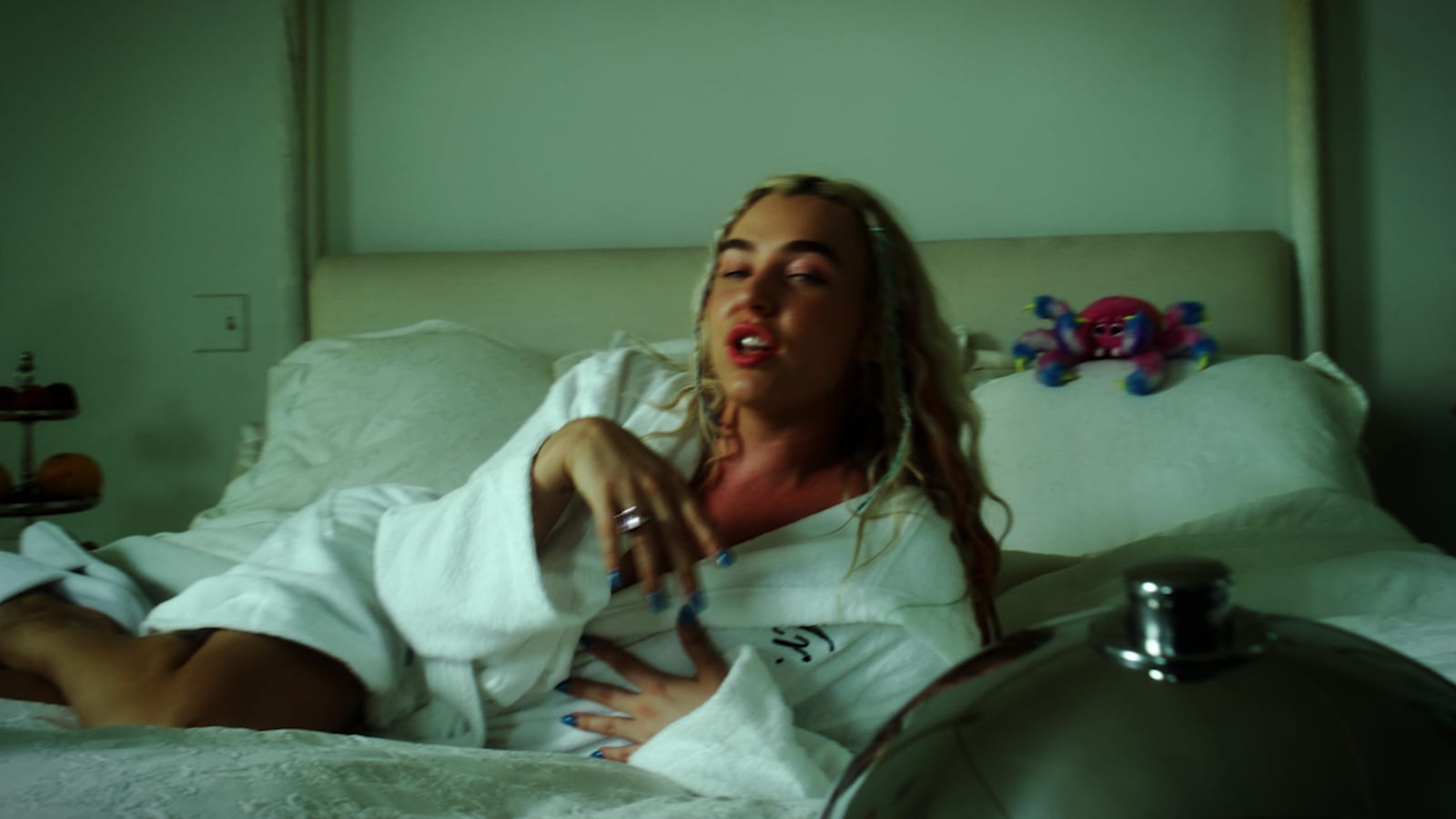
 BeforeLatitude
One click, then make it yours.
Styles read each shot and build a grade from it. Everything lands in the normal controls, ready to adjust.




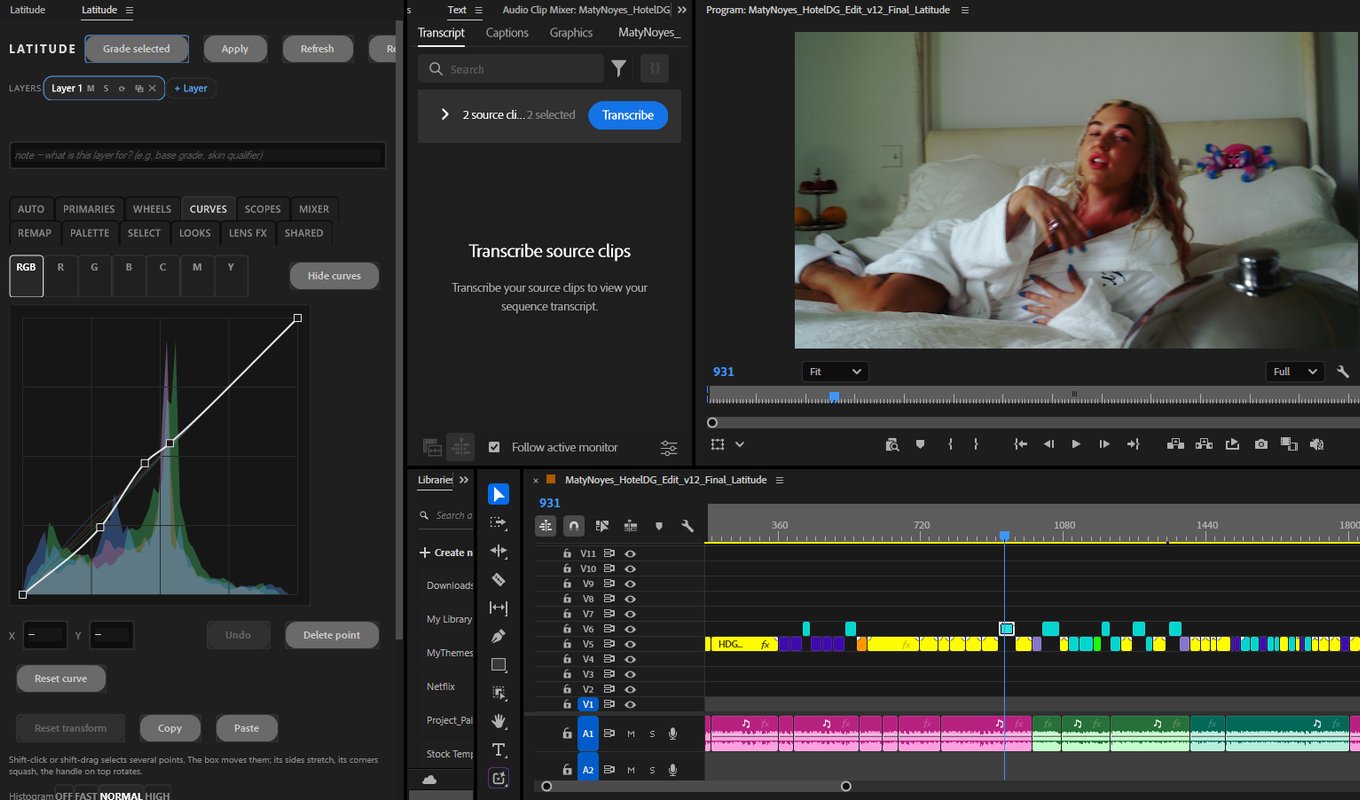
Docked where you edit.
Latitude is a panel in Premiere Pro. Select a clip and grade it, without a round trip to another app.
Every tool a grade needs.
Twelve pages, one layer stack, and it all renders on your GPU.
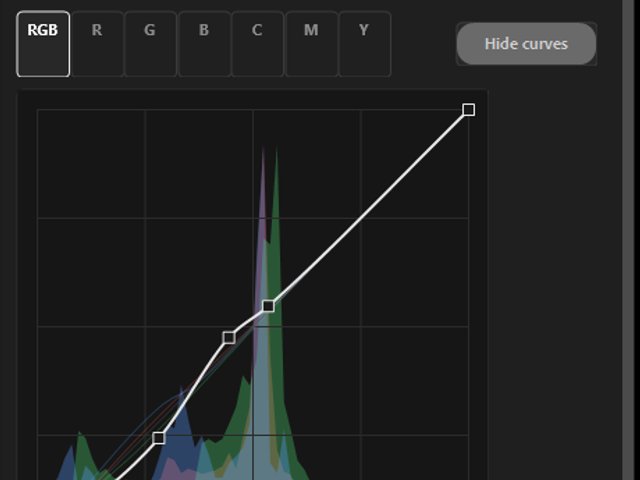
Curves
RGB, per channel and hue curves, with multi-point select and transform.
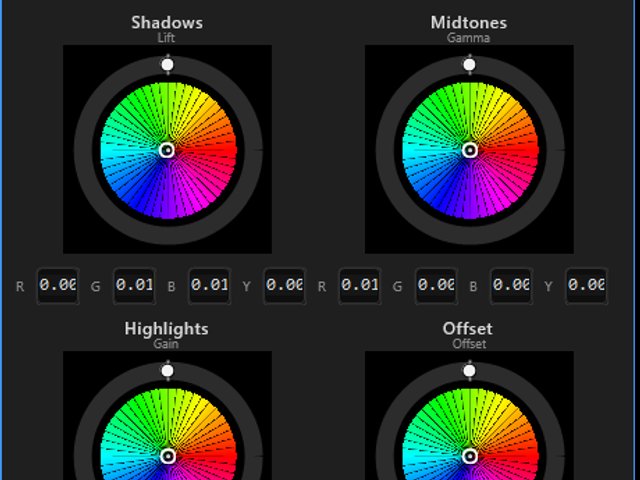
Wheels
Shadows, midtones, highlights and offset, with the luminance rings.
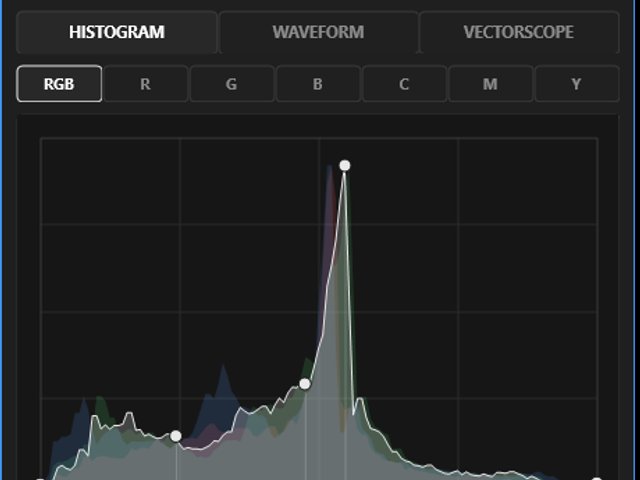
Scopes
Waveform and vectorscope you can grade on directly.
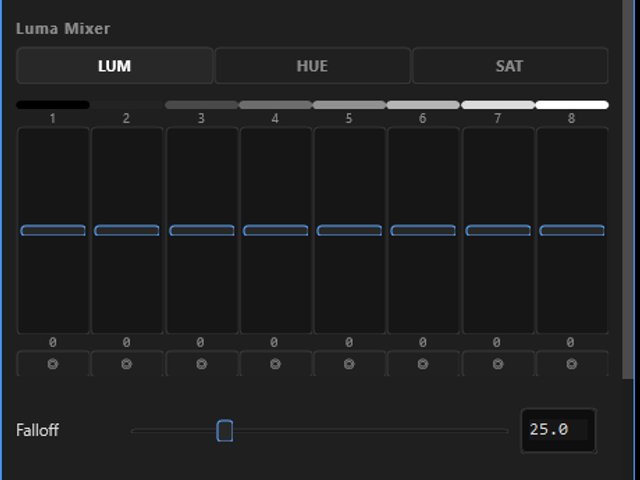
Mixers and remap
Hue mixer, color remap and palette for targeted color.
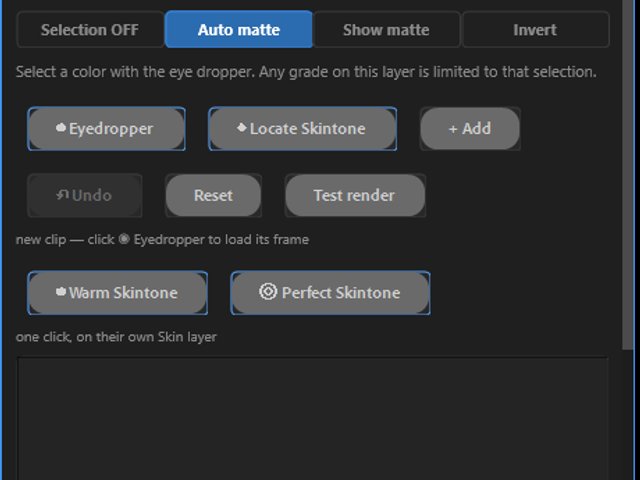
Selections and layers
Grade only skin, sky or a picked color, in as many layers as you like.
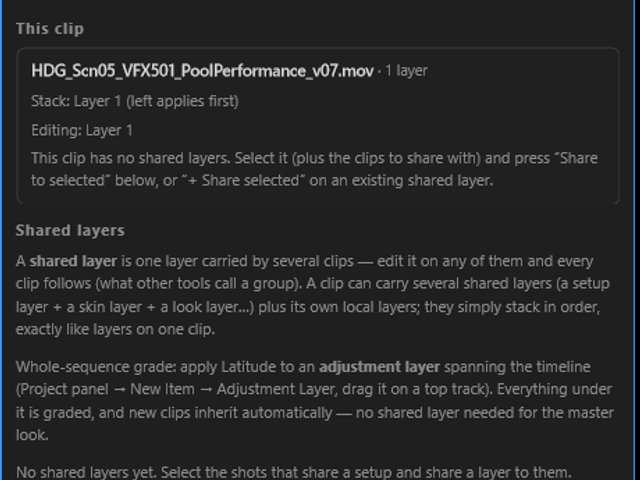
Shared grades
One look across many clips. Change it once, every shot follows.
Get Latitude.
Two small installs: the panel from Adobe, and the free engine that renders the grade on your GPU.
Install the panel
From the Creative Cloud Marketplace. Live after Adobe's review.
Install the engine
Free. Quit Premiere first; it asks for your computer password once.
Grade
Window > UXP Plugins > Latitude. Select a clip, press AUTO > Base Grade.
Premiere Pro 26.2 or newer. Windows 10 or 11 (64-bit), or macOS. Questions: latitude@movemint.tv